



Technology should work for you, not against you.
Smart Tech for Seniors is written specifically for older adults who want to stay connected, safe, and independent in a digital world. With large text, clear screenshots, and patient explanations, this book covers smartphones, tablets, video calls, online shopping, banking, and staying safe online — all at a pace that respects your experience.
Free Companion App: Smart Tech Coach
This book includes access to the Smart Tech Coach — a free interactive web app designed specifically for seniors learning to navigate technology safely.

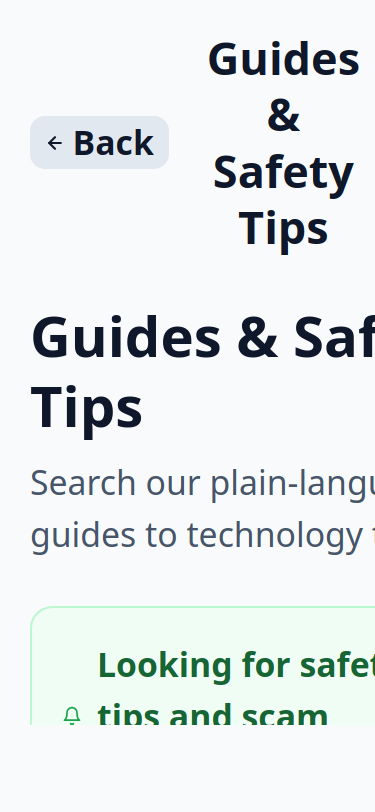
No installation required. Simply visit tartanleaf.com/smart-tech-coach on any smartphone, tablet, or computer. The app works right in your web browser.
If you prefer to install it on your own device for quick access, follow the steps below:
How to Install on Your Device
On an iPhone or iPad
- Open tartanleaf.com/smart-tech-coach in Safari.
- Tap the Share button at the bottom of the screen (the square with an arrow pointing up).
- Scroll down and tap Add to Home Screen.
- Tap Add in the top right corner.
On an Android Device
- Open tartanleaf.com/smart-tech-coach in Chrome.
- Tap the three dots menu in the top right corner.
- Tap Add to Home screen.
- Tap Add when it asks you to confirm.
What the app helps you do:
- Check Suspicious Messages — Paste a text or email to see if it looks like a scam
- Learn How — Step-by-step guides for common tasks with large text and clear visuals
- Stay Safe — Practical tips for avoiding scams, phishing, and online fraud
- Practice Spotting Scams — Interactive exercises to build your confidence
- Trusted Contact — Set up a family member or friend to help when you need it
Completely free. No sign-up required. No ads. No tracking.
Try the Smart Tech Coach app now →
What This Book Covers
- Smartphones and Tablets — iPhone and Android basics: calls, texts, photos, apps, and settings
- Video Calling — FaceTime, Zoom, Skype, and WhatsApp: connecting with family and friends visually
- Email and Messaging — Setting up, reading, writing, and managing your digital correspondence
- Online Shopping and Banking — Buying safely, managing accounts, and recognizing scams
- Social Media — Facebook, Instagram, and staying in touch without overwhelm
- Photos and Memories — Taking, organizing, backing up, and sharing photos and videos
- Health and Wellness Apps — Medication reminders, fitness tracking, and telehealth basics
- Staying Safe Online — Passwords, scams, phishing, and privacy settings made simple
Who This Book Is For
- Adults aged 55+ who want to master their devices with confidence
- Family members helping parents or grandparents get comfortable with technology
- Anyone who finds standard tech guides move too fast or use too much jargon
- Retirees looking to stay connected, entertained, and engaged digitally
- Anyone who believes it is never too late to learn
What Makes This Book Different
- Large text and clear layouts — Designed for readability and comfort
- No assumptions — Every term is explained from the ground up
- Companion app included — Smart Tech Coach app provides interactive guides and practice
- Real senior voices — Written with input from older adults about what actually confuses them
- Patient pace — One concept at a time, with plenty of review and encouragement
Release Status
This book is currently in development. This page will be updated with the cover, table of contents, and purchase links once it is available.
← Back to Smart Tech for Real People
Related Titles
Other titles in the Smart Tech for Real People series:
- Digital Literacy — Foundation skills for understanding and using modern technology
- Family Internet Safety — Protecting children and managing shared home internet
- Home Networking — Wi-Fi, routers, and getting the most from your home internet
See the full Smart Tech for Real People series →
Get Notified
Want to know when this book is released? Contact us and mention Smart Tech for Seniors to get notified when this title is available.