
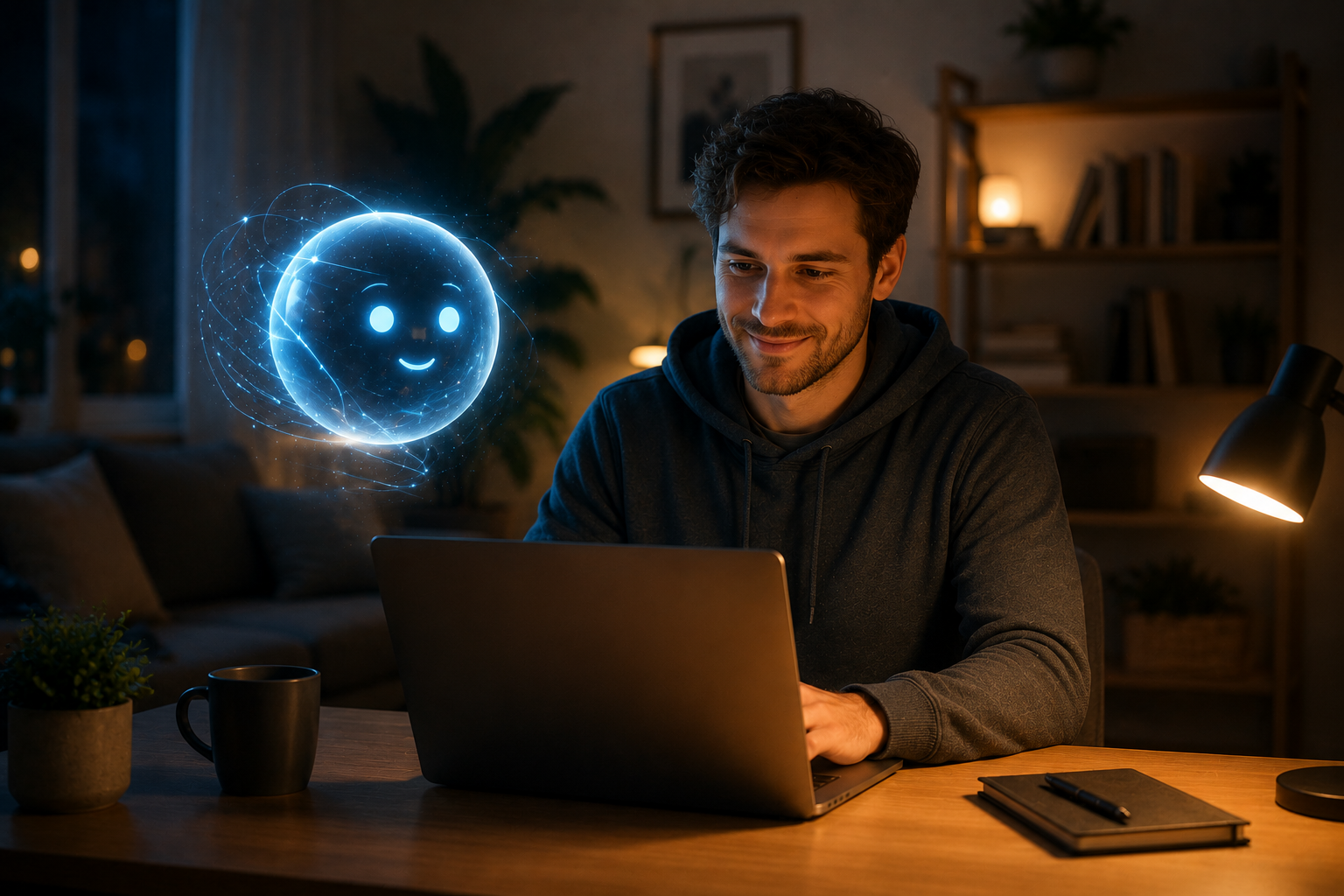
AI that works for you — on your terms, on your devices, with your data.
Personal AI Assistants is the complete guide to running AI locally on your own computer, phone, or home server. This book teaches you how to use modern open-source AI tools for writing, analysis, coding, research, and creative work — without sending your data to cloud services or paying subscription fees.
What This Book Covers
- What Is a Local AI Assistant — How on-device AI differs from cloud services like ChatGPT and why it matters for privacy
- Hardware Options — Running AI on a modern laptop, a desktop with a GPU, a mini PC, or a dedicated home server
- Popular Open-Source Models — Llama, Mistral, Qwen, and other models you can download and run today
- Installation and Setup — Step-by-step guides for Ollama, LM Studio, and other beginner-friendly tools
- Using AI for Writing and Research — Drafting documents, summarizing articles, brainstorming, and fact-checking
- AI for Analysis and Coding — Spreadsheet help, data interpretation, script writing, and debugging
- Customizing Your Assistant — System prompts, model selection, temperature settings, and fine-tuning responses
- Keeping Your Data Private — Understanding what stays local, what does not, and how to verify
- Advanced Setups — Self-hosted web interfaces, API access for other apps, and multi-model switching
Who This Book Is For
- Privacy-conscious users who do not want their writing or data analyzed by cloud AI
- Writers, researchers, and students who want AI help without subscription costs
- Professionals handling sensitive information (legal, medical, financial, creative)
- Developers and technical users who want to integrate AI into their own workflows
- Anyone curious about running AI locally but unsure where to start
What Makes This Book Different
- Privacy-first approach — Every solution keeps your data on your hardware
- No subscription required — Open-source tools that work without ongoing fees
- Real hardware guidance — Specific recommendations for laptops, desktops, and mini PCs
- Practical workflows — Not just how to install AI, but how to use it productively every day
- Gentle learning curve — Starts with simple tools, progresses to advanced setups
Release Status
This book is currently in development. This page will be updated with the cover, table of contents, and purchase links once it is available.
← Back to Smart Tech for Real People
Related Titles
Other titles in the Smart Tech for Real People series:
- AI Tools for Everyday Life — A broader look at AI services and tools beyond local assistants
- Local AI — Deep dive into self-hosting large language models and AI services at home
- Self-Hosting — Complete guide to running your own cloud services and applications
See the full Smart Tech for Real People series →
Get Notified
Want to know when this book is released? Contact us and mention Smart Tech to get notified about Personal AI Assistants and other titles in the series.
Frequently Asked Questions About Personal AI Assistants
What is the difference between a chatbot and an AI agent?
A chatbot responds to individual prompts with text outputs. An AI agent can take actions — search the web, read files, send emails, control smart home devices — by using tools connected to the AI system. The book explains this distinction clearly, shows you how to build both simple chatbots and more capable agents, and helps you choose the right approach for your needs.
Can I really build my own AI assistant without a PhD?
Absolutely. Modern tools like Ollama, OpenWebUI, and n8n make it possible to create sophisticated AI assistants without writing code. The book assumes no programming background and provides visual, step-by-step instructions for connecting models, adding knowledge bases, and creating automations. By the end, you will have a working personal assistant tailored to your specific workflows.
What hardware do I need for a personal AI system?
A personal AI system can run on hardware ranging from a $150 mini PC to a desktop with a dedicated GPU. The book provides hardware recommendations based on your intended use: basic text conversations work on modest hardware, while image generation and large document analysis benefit from more powerful systems. You will learn to evaluate your needs and choose appropriate hardware without overspending.
How is local AI different from ChatGPT or Claude?
Local AI runs on your own hardware, which means properly configured local setups keep conversations and documents on hardware you control. There are no subscription fees, no usage limits, and reduces exposure to third-party model training when fully local configurations are used. The trade-off is that you manage the software yourself and may have slightly lower performance on modest hardware. The book helps you decide when local AI is the right choice and when cloud services still make sense.
Can my family share one AI assistant with separate accounts?
Yes. Platforms like OpenWebUI support multiple user accounts with isolated conversations and personalized settings. Each family member can have their own chat history, knowledge base access, and preferences while sharing the same underlying hardware. The book explains how to set up multi-user environments, manage permissions, and ensure privacy between accounts.