
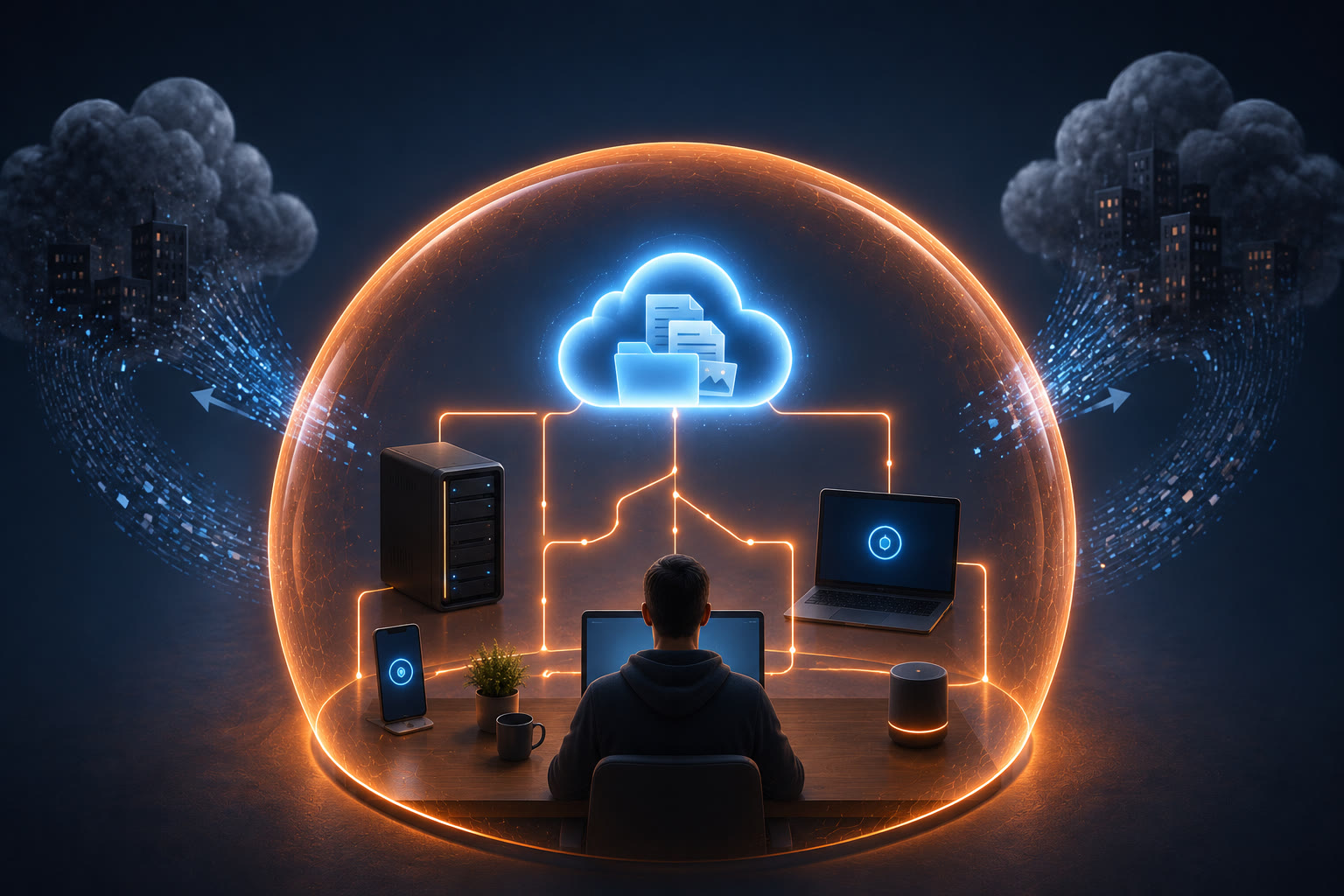
Own your data. Run your services. Control your digital life.
Self-Hosting is the complete guide to replacing cloud services with your own hosted alternatives. From file storage and password managers to calendars, email, and media servers, this book teaches you how to run modern web services on hardware you control — without surrendering your privacy or paying recurring subscription fees.
What This Book Covers
- What Is Self-Hosting — Why people do it, what you need, and whether it is right for you
- Hardware and Infrastructure — Old computers, mini PCs, VPS servers, and Raspberry Pi as hosting platforms
- Operating Systems and Containers — Linux basics, Docker, and managing applications with ease
- File Storage and Sync — Nextcloud, Syncthing, and building your own Dropbox alternative
- Password Managers — Bitwarden, Vaultwarden, and keeping credentials under your control
- Email and Calendar — Self-hosted mail servers, calendar syncing, and contact management
- Media and Entertainment — Plex, Jellyfin, Audiobookshelf, and personal streaming services
- Backup Strategies — 3-2-1 rule, off-site replication, and protecting against hardware failure
- Security and Maintenance — SSL certificates, updates, firewalls, and keeping your services safe
Who This Book Is For
- Privacy advocates who want to stop relying on corporate cloud services
- Tech enthusiasts who enjoy building and maintaining their own infrastructure
- Budget-conscious users who want to eliminate subscription fees
- Professionals who need controlled environments for client data
- Anyone who believes their data should belong to them
What Makes This Book Different
- Comprehensive coverage — Replaces every major cloud service category with self-hosted alternatives
- Beginner-friendly — Starts with simple setups, progresses to advanced configurations
- Cost-conscious — Many solutions run on existing hardware or cheap mini PCs
- Security-aware — Every service includes hardening and maintenance guidance
- Community-backed — Uses well-supported, actively maintained open-source projects
Release Status
This book is currently in development. This page will be updated with the cover, table of contents, and purchase links once it is available.
← Back to Smart Tech for Real People
Related Titles
Other titles in the Smart Tech for Real People series:
- The Modern Homelab — Build the infrastructure foundation for self-hosting
- Local AI — Self-host AI models and services at home
- Home Networking — Secure your network for hosting services
See the full Smart Tech for Real People series →
Get Notified
Want to know when this book is released? Contact us and mention Smart Tech to get notified about Self-Hosting and other titles in the series.
Frequently Asked Questions About Self-Hosting
What exactly is self-hosting?
Self-hosting means running applications and services on your own hardware rather than relying on cloud providers. Instead of storing files on Google Drive, you run Nextcloud. Instead of streaming from Spotify, you run Jellyfin. Instead of using Google Docs, you run CryptPad. The book explains the benefits — privacy, control, no subscription fees — and the trade-offs — you are responsible for maintenance, backups, and security.
Do I need a powerful server or can I use an old laptop?
An old laptop or mini PC is often the perfect starting point for self-hosting. The book covers hardware requirements for popular self-hosted applications and explains that many services run comfortably on machines with 4-8GB of RAM. You will learn how to evaluate whether your existing hardware is sufficient and when it makes sense to upgrade.
What is Docker and why do I need it?
Docker is a containerization platform that packages applications with everything they need to run — code, runtime, libraries, and settings — into isolated containers. This eliminates dependency conflicts, makes installation one-click simple, and ensures applications run the same way every time. The book provides a beginner-friendly Docker introduction and walks you through installing your first self-hosted application using Docker Compose.
How do I back up my self-hosted data?
Backups are your responsibility when self-hosting, but the book makes this straightforward. It covers the 3-2-1 backup strategy (three copies, two media types, one offsite), recommends automated backup tools like Restic and BorgBackup, and explains how to test your backups to ensure they actually work. You will learn to back up both application data and configuration files so you can rebuild quickly if hardware fails.
Is self-hosting safe if I am not a Linux expert?
Yes, with the right approach. Modern self-hosting tools handle much of the security complexity automatically. The book covers essential security practices — strong passwords, automatic updates, HTTPS certificates, and network isolation — in plain language. You do not need to be a Linux administrator, but you do need to follow best practices consistently, which the book explains step by step.