
Tartanleaf offers two free, open-source ways to check common home-network problems. Both use the same homenet diagnostic engine and explain the results in plain English.
Choose the version that suits you
HomeNetCheck: the graphical app
Best for most people. Download the app, open it, and click Check my network. There is no terminal command and no Python setup.
Download HomeNetCheck for Windows, macOS, or Linux
HomeNetCheck sits on top of the open-source homenet code: the command-line project performs the checks, while HomeNetCheck presents them in a window. The downloads are not code-signed, so Windows or macOS may show a warning. Read the unsigned-app explanation and opening instructions before continuing.
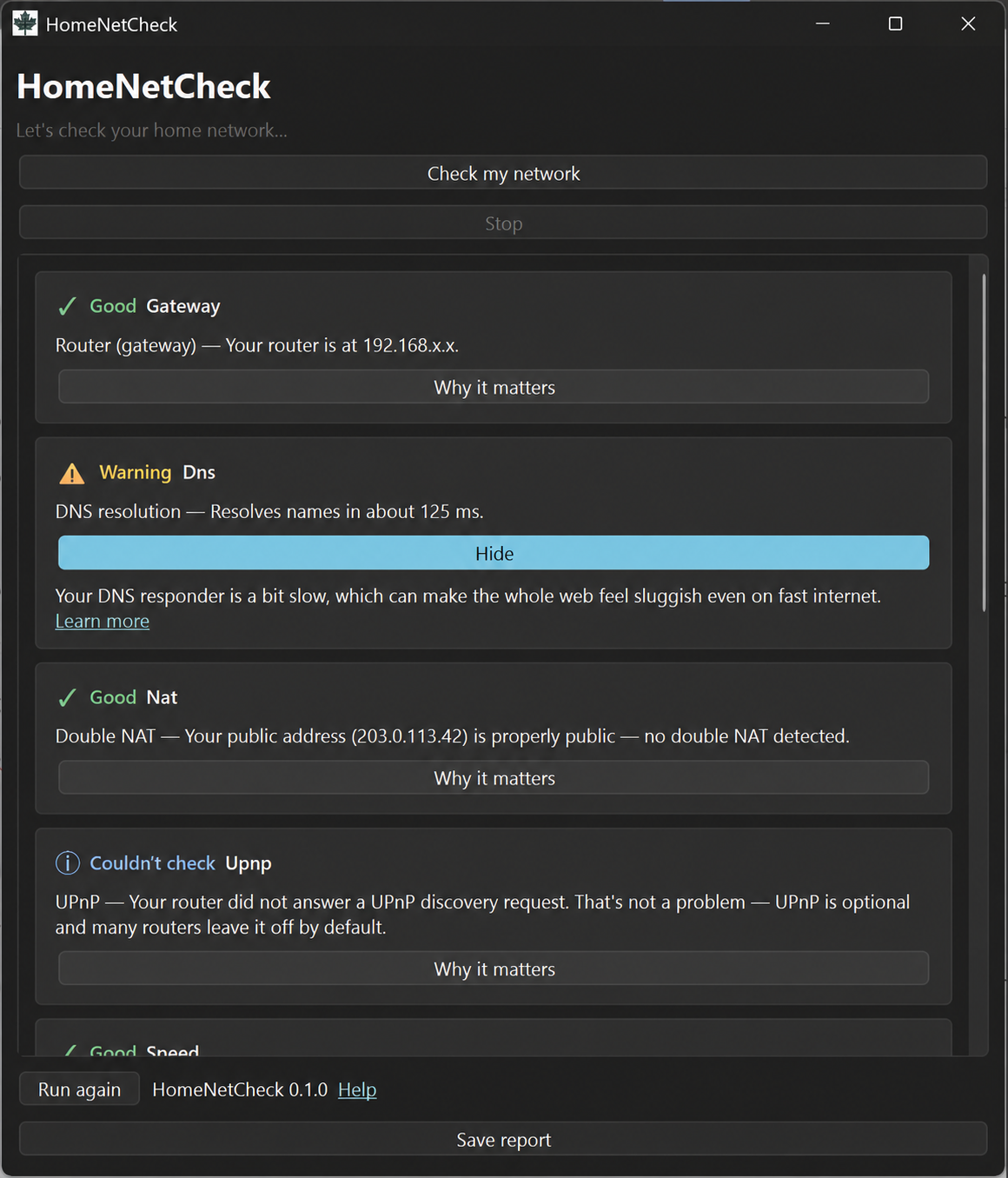
homenet checks in a graphical report. Network addresses in this example have been sanitized.homenet: the command-line tool
Best for terminal users, scripts, and remote support. The CLI is smaller, can produce machine-readable JSON, and works well over SSH or in automated checks. It requires Python 3.10 or newer and pipx.
pipx install homenet
homenet
View homenet source and documentation on GitHub
You do not need both versions. If you are unsure, start with HomeNetCheck.
What they check
- Router detection — finds your default gateway and checks basic reachability
- DNS — measures how quickly domain names resolve
- Double NAT — looks for multiple layers of network address translation
- UPnP — checks whether your router responds to local UPnP discovery
- Internet speed — runs a basic download and upload test
- Latency and packet loss — checks responsiveness for calls, games, and streaming
- Wi-Fi — reports available signal or channel-congestion information
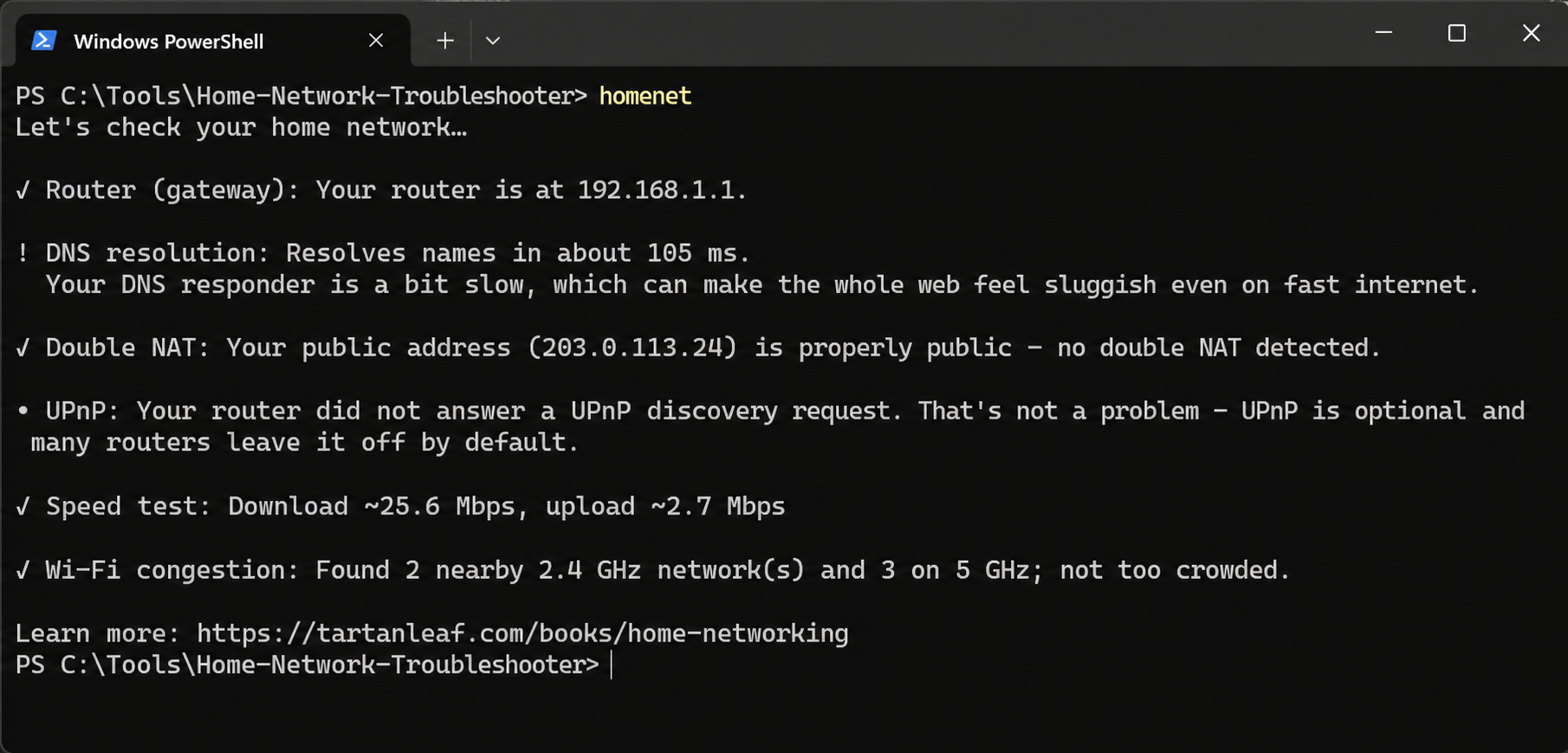
homenet command-line output. HomeNetCheck presents the same core checks in a graphical window.Privacy and limitations
The tools run on your computer and do not send your diagnostic report to Greg Weir or Tartanleaf.com Inc. Some checks contact Cloudflare and api.ipify.org to test your connection. Reports can contain local and public network addresses, so review them before sharing.
These are diagnostic aids, not replacements for your internet provider, router manufacturer, or qualified technical support.
Free and open source
Both projects were developed by Greg Weir and released by Tartanleaf.com Inc. under the MIT License. They are free community resources, not supported commercial Tartanleaf products, and are provided without warranty.
Need help?
See the NetCheck help page for downloads, opening instructions, installation help, privacy details, and common problems.
For a broader comparison, read Four Practical Resources for Understanding Your Home Network to see how HomeNetCheck fits with the book, printable baseline pack and browser Toolkit.